input, input_group
Input
The input function declares a configurable parameter for your indicator, letting you adjust it directly in the traderoom. It's flexible enough to handle many value types, making it the standard way to expose any indicator setting to the user.
Syntax Format
fill_color = input { default = rgba(86,206,255,0.15), type = input.color }
In the traderoom such an input parameter can be displayed in the settings:
Input Group
The input_group helps you create blocks of settings, similar in purpose, to structure the script code and make it easier to read and alter if necessary.
Syntax Format
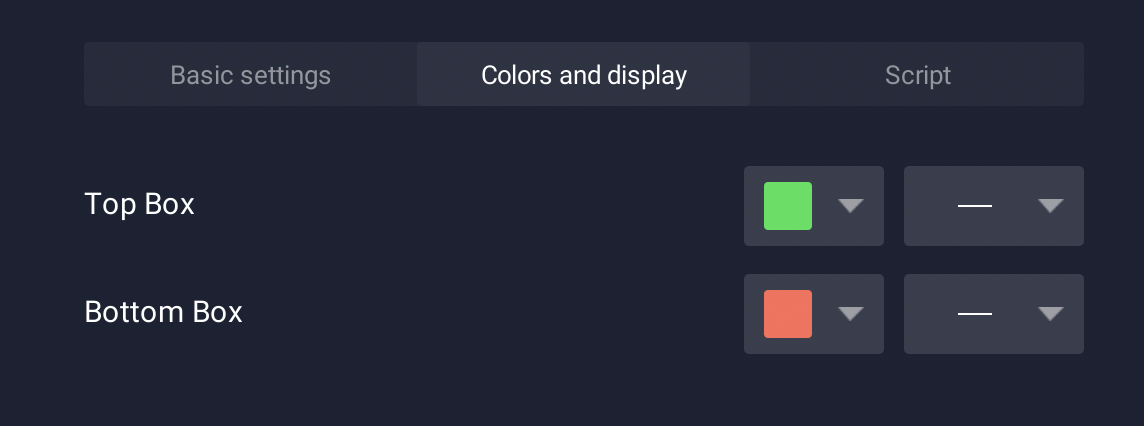
For example, you can use the input_group function to add visual settings to the indicator:
input_group {
    "Top Box",
    top_color = input { default = "#25E154", type = input.color },
    top_width = input { default = 1, type = input.line_width}
}
input_group {
    "Bottom Box",
    bottom_color = input { default = "#FF6C58", type = input.color },
    bottom_width = input { default = 1, type = input.line_width}
}
You can also include calculations in the input_group function:
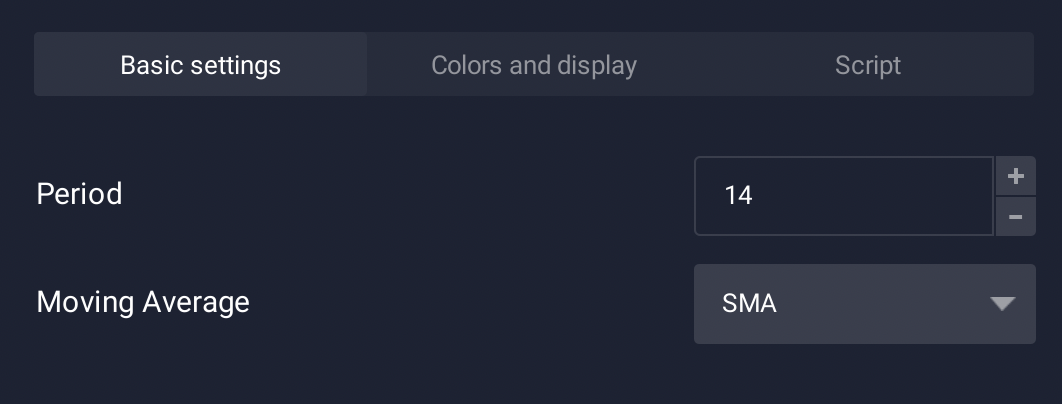
input_group {
    "Balance of Power Smoothed Line",
    period = input (14, "period", input.integer, 1, 200),
    fn = input (1, "Average", input.string_selection, averages.titles),
}
In the traderoom such settings are displayed in the Basic settings section: